
rom_dump_cw1
Table of Contents
Rom dump from Casio ClassWiz (I & II)
1. Required programmer
As for now this manual show how to dump rom using one of these two official Lapis/OKI branded programmers:
2. Pinout and connections
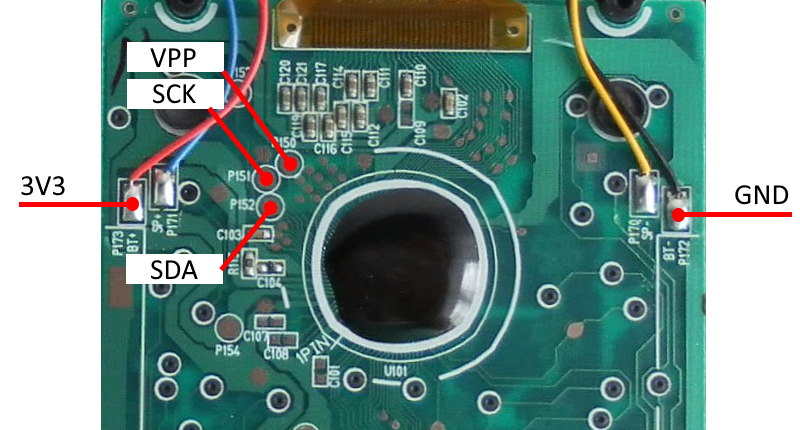
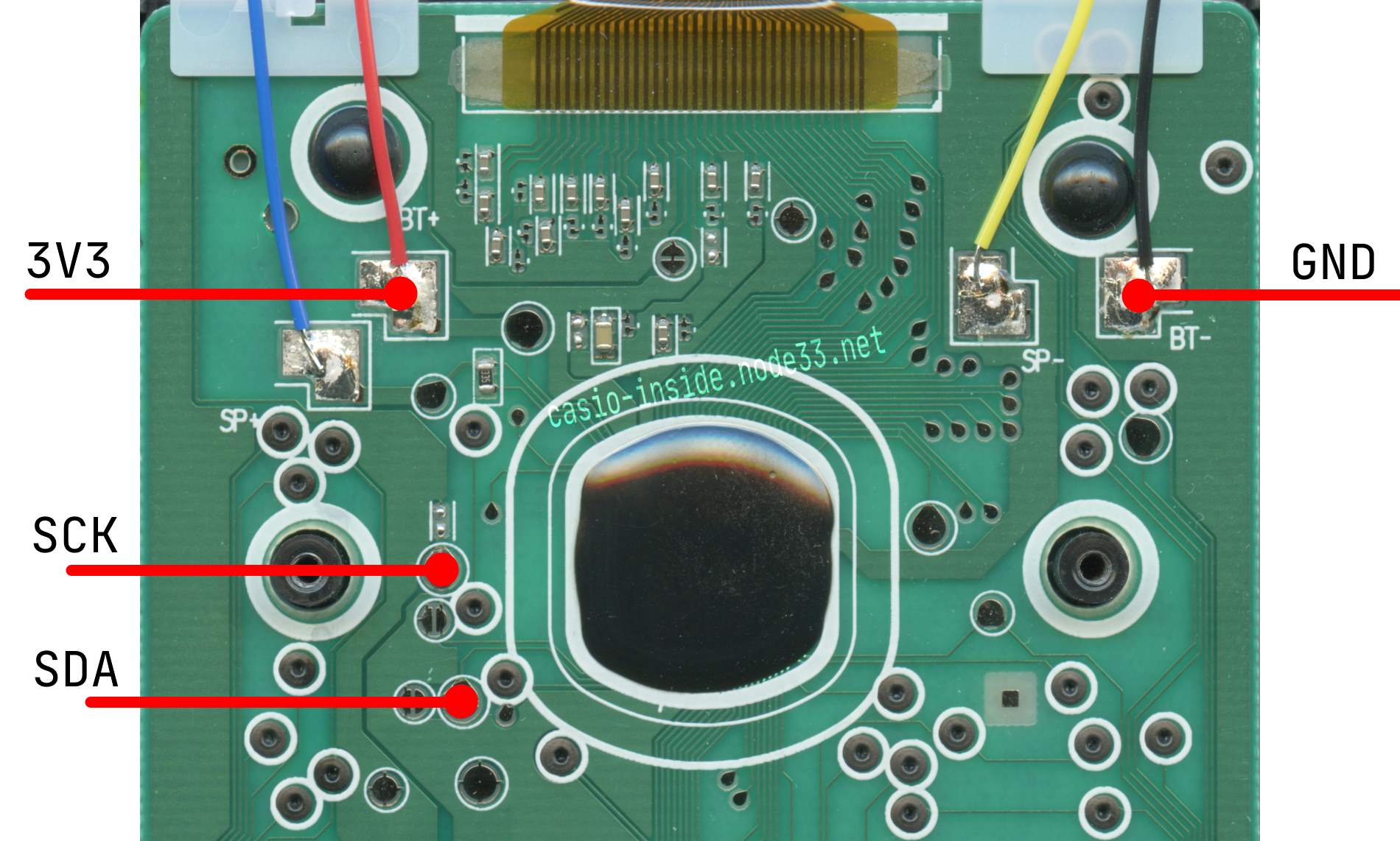
Description of test pads on calculator (click to enlarge):
CLASSWIZ 1
CLASSWIZ 2
| Pad | Meaning |
|---|---|
| P150 | VPP - Programming voltage |
| P151 | SCK - RST/SCK - reset/clock |
| P152 | SDA - Communication Data |
Connection between programmer and target (calculator):
| Programmer pin | Calculator Pad |
|---|---|
3.3VOUT | BT+ or P154 or battery contact (positive) |
Vss | BT- or P172 or battery contact (negative) |
VTref | Connect together with 3.3VOUT |
RST_OUT/SCK | P151 |
SDATA | P152 |
Vpp | P150 Only for flashing! |
3. Preparing environment
- Download and install LEXIDE-Ω development tools.
- Download additional target definitions and copy to corresponding directories in
C:\U8Dev\
4. Dumping rom
- In menu start find and run
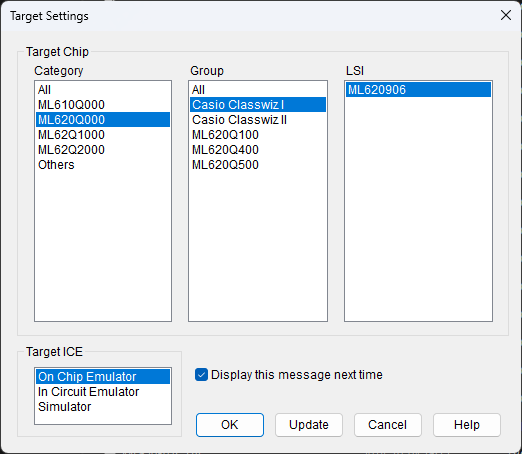
DTU8 Debugger - In newly opened window select target (Depending on CW1 or CW2):
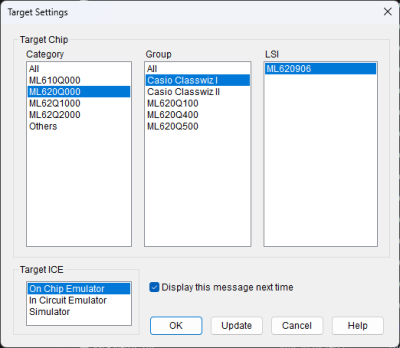
and click OK - If connection is correct you should see window asking for Security ID:

- Enter this:
FFFF FFFF 7379 6771 5961 4753 4143 3137 2329 1719 1113 2307.
(BTW: This password is stored in calculator ROM at address 0xFDE0 in reversed order.) - When password is accepted in main DTU8 window select from menu:
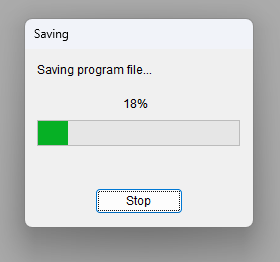
File>Save program to file…and provide file name to store rom. - Rom will be saved to file


5. To do
Find out how last 8 bytes of security ID was obtainedPrepare procedure to flash rom- Create better target file as current one uses larger rom window than necessary
6. Links
rom_dump_cw1.txt · Last modified: 2024/10/02 19:41 by cfx